Console Fundamentals
Definition
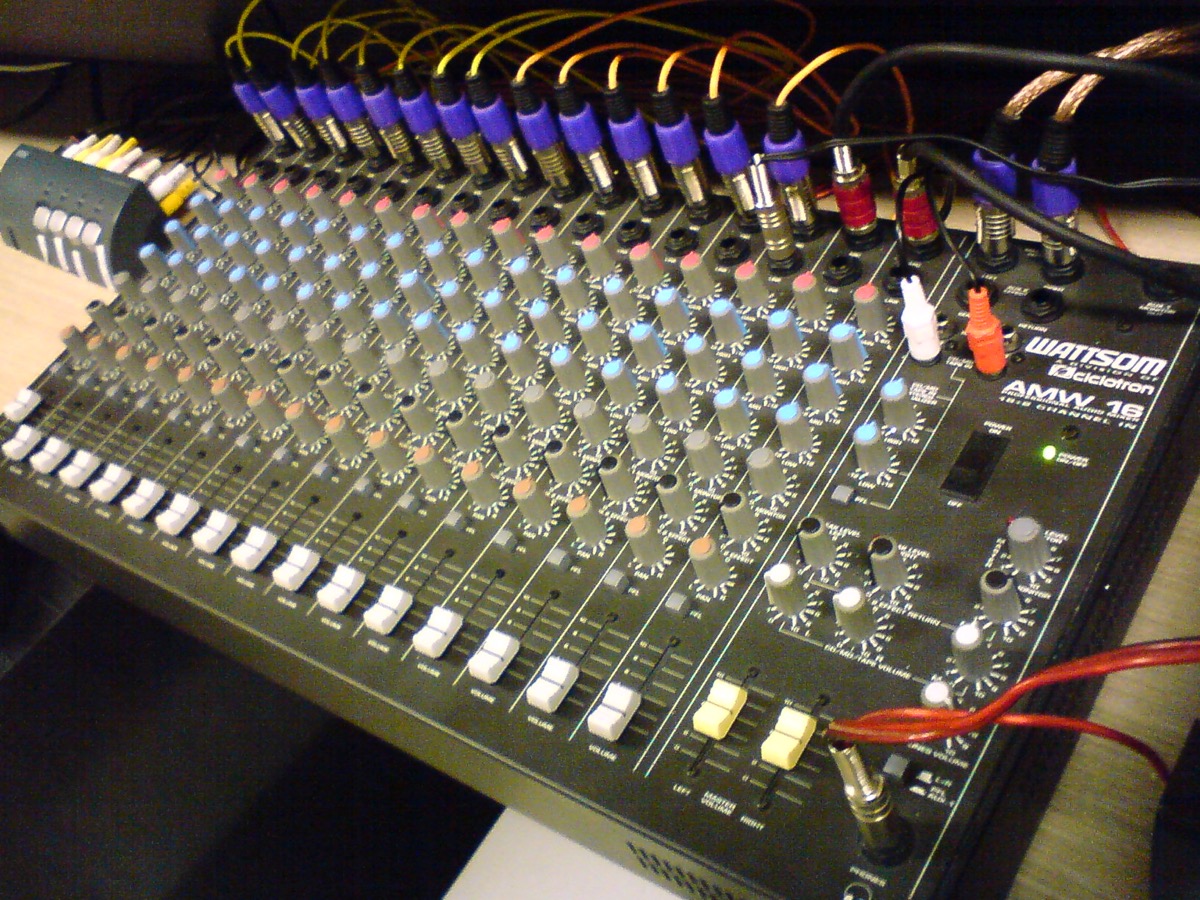
The mixing console brings gain, tone and routing together on one control surface. The clearest way to understand it is to follow one input channel from top to bottom. The channel begins with the preamplifier, set by the gain or trim control, which determines the level fed to every later stage. The equalizer then shapes the frequency balance. Auxiliary sends tap copies of the signal for monitors and effects. The fader sets the contribution of the channel to the main mix, and the bus and matrix outputs feed the PA, the recording and any broadcast feed.

The guide
Aux sends are either pre-fader or post-fader. A pre-fader send takes the signal before the channel fader, so its level does not change when the front-of-house mix is adjusted; this suits the monitor mixes of performers. A post-fader send follows the fader, so the amount sent rises and falls with the channel; this suits reverb and delay, whose level then follows the source.
The solo system follows the same logic. PFL (pre-fade listen) lets the operator hear the signal of a channel regardless of its fader position, while AFL (after-fade listen) reproduces it as it enters the mix, after the fader; on many consoles AFL is used mainly on output buses. Misrouted sends produce predictable symptoms, such as a missing signal, a feedback loop or an incoherent monitor mix, and knowledge of the channel layout allows each symptom to be traced to its cause.
The rule
The destination of a signal is checked before its level is raised.
Glossary terms
Sources
- Yamaha Pro Audio, Aux Sends and Returns : départs pré-fader pour les retours, post-fader pour les effets · hub.yamaha.com
- Yamaha Pro Audio, Using Solo During Live Mixing : écoute PFL et AFL · hub.yamaha.com
- Wikipedia, Aux-send (pointeur secondaire) : départs pré-fader indépendants du fader, post-fader asservis au fader · en.wikipedia.org